The first weeks with Sora: January 2025 tests
Lab note · Tested January 2025 · · 3 min read
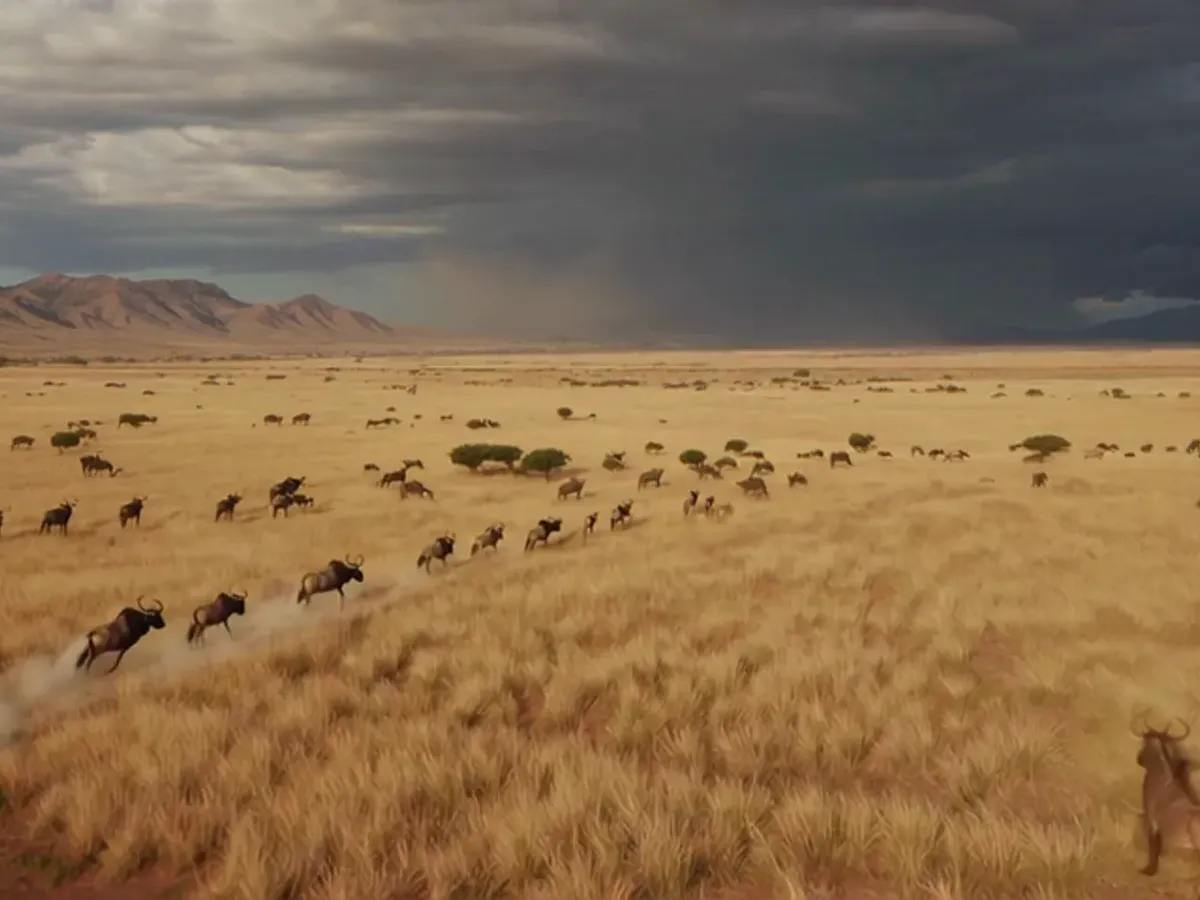
In January 2025 we tested Sora, which was a new tool then. This post is about the clips from those first days.
20 clips in two days
What does Sora give you from a short description of a scene? We used two modes: "storyboard" and "simple compose". We also used "remix" on one beach clip.
We made fifteen clips in about 40 minutes on the evening of 6 January 2025, and five more the next day. The clip titles name a mood or a place, such as Golden Hour at Boulders and Epic Savanna Scenery. After the session we cut several clips together with a portrait of our founder, Leandro Righini.
That makes 20 different clips, plus a 20-second vertical reel of them. Every clip is 854 × 480 pixels at 30 frames per second. All but one are 5 seconds long; one is 10.
The subjects are warm and simple: a child's feet and a red bucket on a beach, a vintage car by the sea, a baby under clouds, wildebeest on a plain, and a 1980s beach party. The montage "Sora CT dream" is 10 seconds long, 720 × 1284 pixels, with sound. Leandro's portrait stands still while the clips scroll over it.
One clip, three places
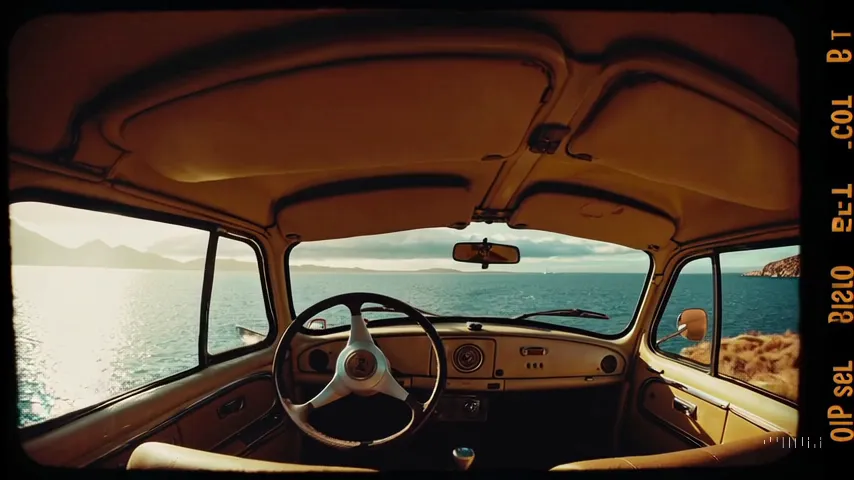
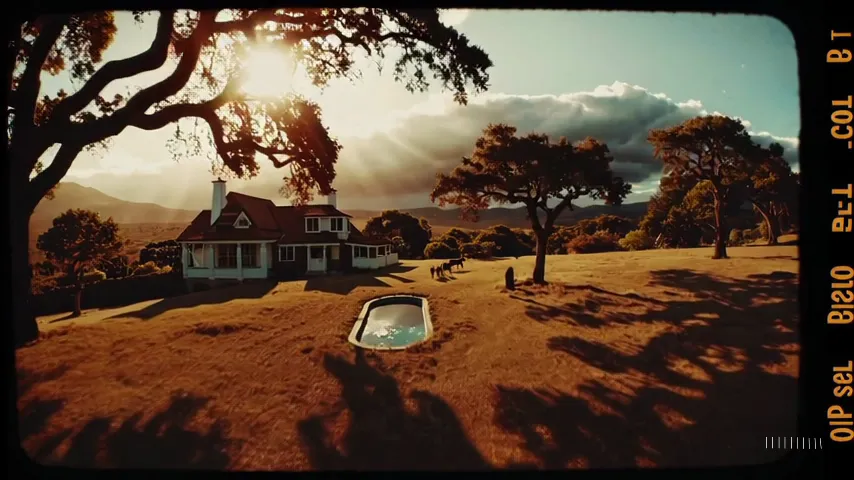
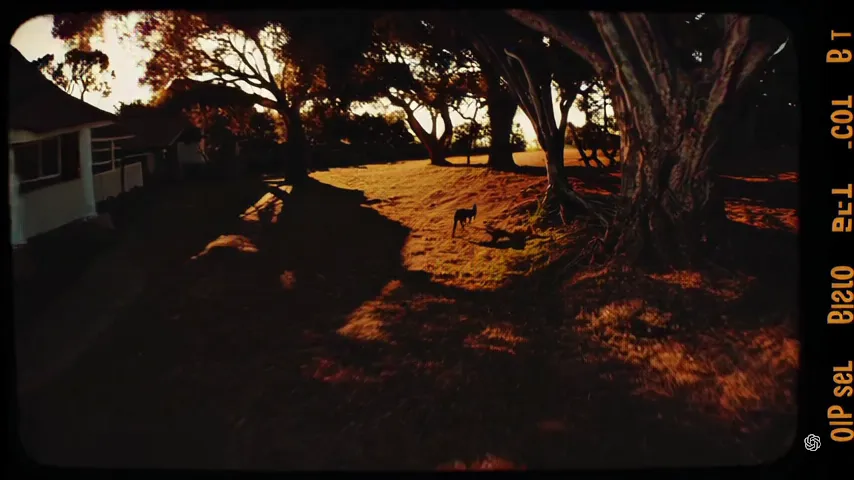
One storyboard clip shows how fast a scene can change. In "Nostalgic Vintage Journeys" the first frame is the inside of a car by the sea. After 2.5 seconds we see a house with a swimming pool. At 4.8 seconds we are in the dark shade of a tree.
Made-up letters
Several clips show a film-strip border. The letters on the border spell nothing, for example "KOLFTON FLM". The tool draws something that looks like writing, but it is not writing.
What we learned
- One clip can hold several places. In storyboard mode a 5-second clip may cut to a new scene. Check every second, not only the first frame.
- Ask for two takes. Both "Cinematic Farm Serenity" clips show the same farm. In one the camera hardly moves. In the other the camera moves and the tree fills more of the frame.
- Add text in the edit. The film border carried made-up letters. Keep logos and words out of the prompt and put real ones on top later.
- Simple subjects hold; busy action drifts. In the baby clip the camera tilts from the sky down to a baby, and the face and arms look steady. In the beach remix, the wooden object is a long bat in a woman's hands at 2.5 seconds and a club flying through the air at 4.8 seconds.
What it means for a marketing team today
- Test a new tool in one short session. About 40 minutes was enough to see its strengths.
- Know your output size. Our clips are 480p. That was enough to judge the tool, not to deliver. Choose the output size for the final screen before you generate.
- Plan the edit. A set of clips is not a film. Someone has to choose, cut and add the real material.
- Save the prompt. Sora names each download with a short title and a code, not the prompt.
Sora also made atmospheric and action shots for Alice in Node-Land, our film for dRPC.