ComfyUI and AnimateDiff: making a painting move in 2024
Lab note · Tested February 2024 · · 3 min read
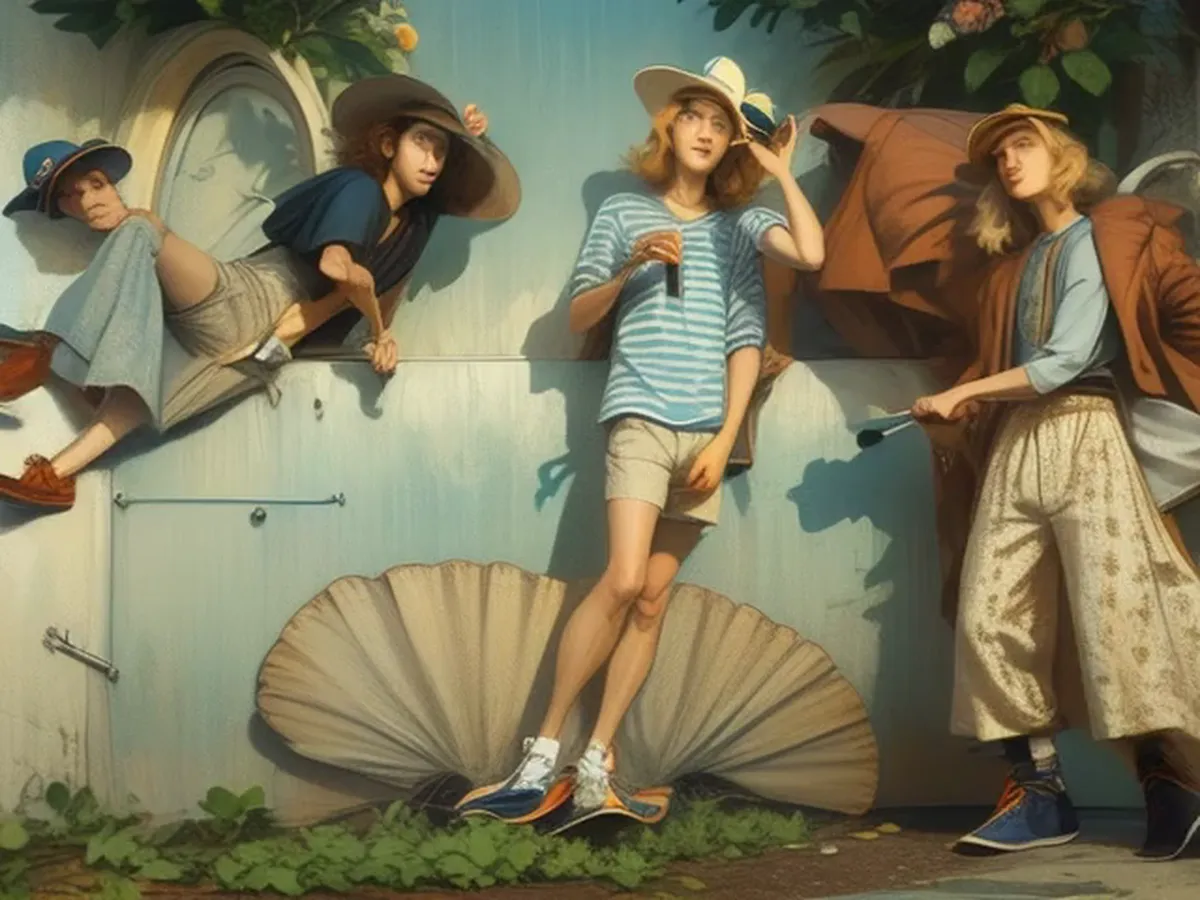
On 19 February 2024 we tested ComfyUI with AnimateDiff. ComfyUI is a free tool where you connect steps in a graph to make images and video. AnimateDiff adds movement to an image model. This post is about one test.
The recipe
Can we make a still painting move, using only open-source tools? The input was a painting of young people leaning on a wall, with a large shell and many hats. The workflow is saved inside the video file. It uses these parts:
- DreamShaper 8 as the image model.
- An AnimateDiff motion model (mm_sd_v15_v2) to add movement.
- IP-Adapter Plus to let the painting guide the result.
- RIFE47 frame interpolation, three times, to add frames between frames so the motion looks smoother.
The prompt described "young hipsters" in a photo taken on film.
What moved and what drifted
The result is one clip of 7.9 seconds, 768 × 480 pixels, 24 frames per second.
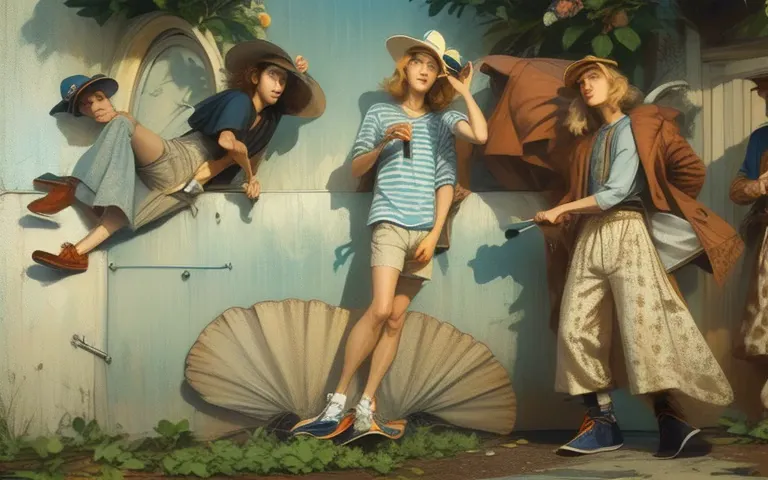
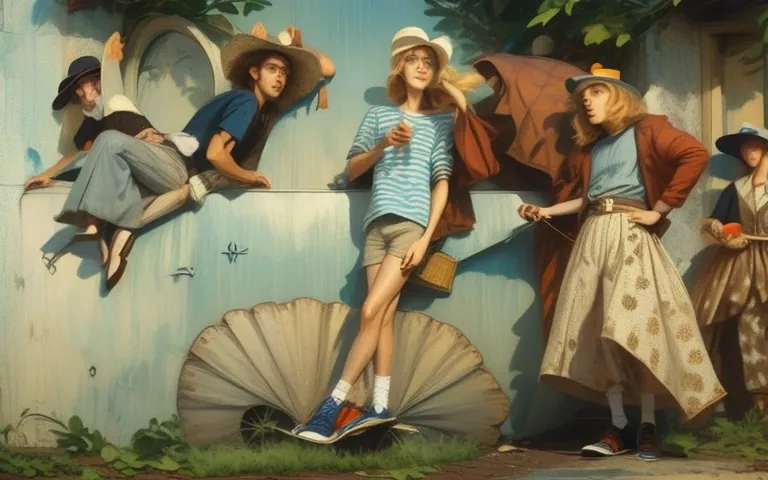
The camera does not move. The wall, the shell and the plants stay where they are, and all the movement is in the people. The frames show four to five people. The striped shirt and the brown coat stay the same. The wide patterned trousers on the right turn into a long skirt by 4 seconds. The people sway, shift their weight and change their pose all the time. The last pose is close to the first, so the clip can loop.
The details are less stable. A pale, mask-like shape appears next to the person at the top left at 2 and 3 seconds. A wheel with spokes appears under the shell from 3 to 5 seconds. Shoes and hands change shape from frame to frame.
What we learned
- A fixed camera keeps the scene stable. With no camera move, the background stays clean and only the people move. This is a good plan for a loop on a web page.
- Hands, shoes and small objects drift. Keep them away from close-ups or product shots.
- The picture beats the words. The prompt asked for a photo on film. The clip still looks like the painting, with flat colour and soft edges. To change the look, change the input picture.
- Keep the recipe with the result. The workflow is stored in the video's metadata. We can open the settings later and run the same recipe again.
What it costs today
- Open-source tools give control. You choose each part of the workflow, and you can repeat it.
- They need technical skill. Someone must set up and maintain them. This is a cost to plan for.
- Size matters. 768 × 480 pixels is a test size. A final delivery needs a higher resolution.
- Check what exists now. Newer tools may do the same job in fewer steps. Test them before you build a custom workflow.