Our free AI orchestrator kit
· 5 min read
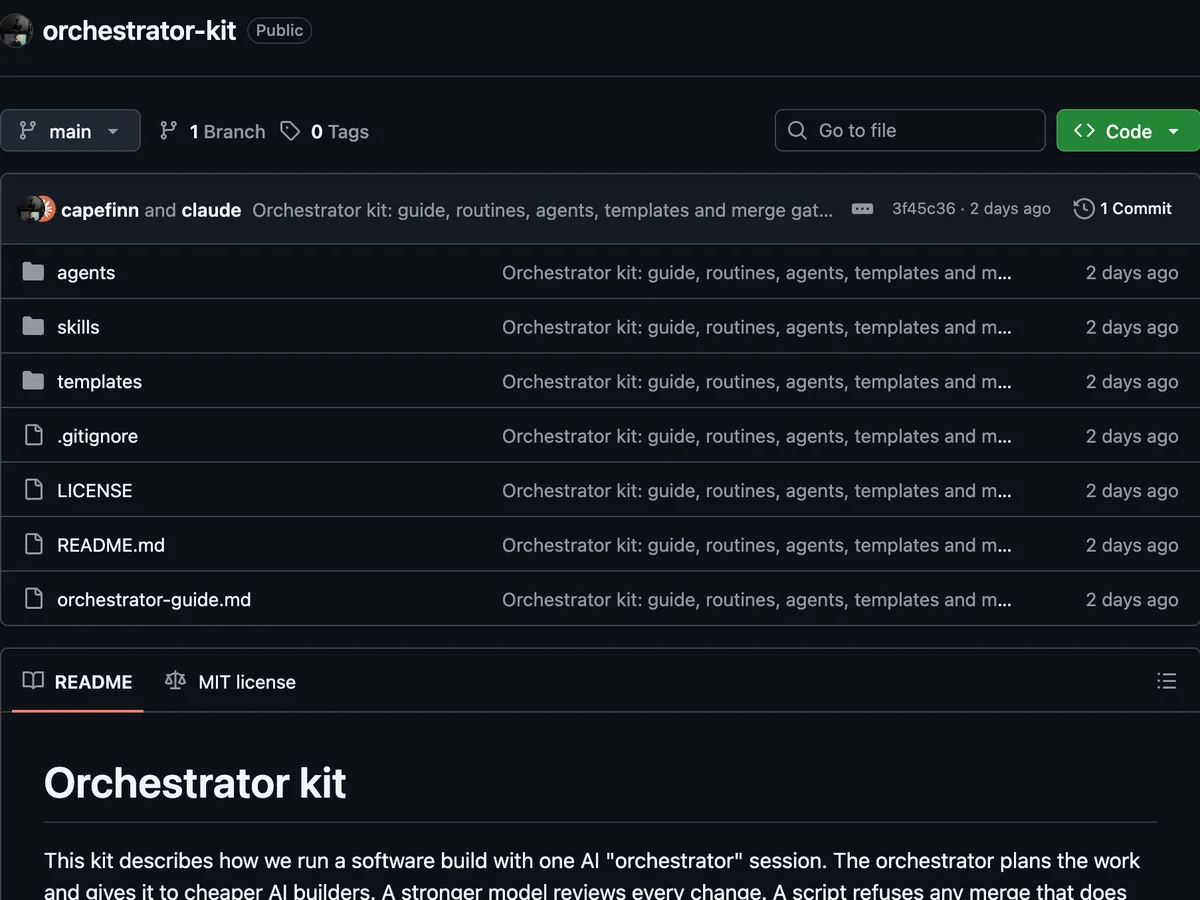
We have published our orchestrator kit as a free, public repository on GitHub: github.com/capefinn/orchestrator-kit. It describes how we run a software build with one AI orchestrator session, and how the same setup makes content such as articles, videos and slide decks.
The kit is an example to copy and adapt. It is not a product, and it does not need any of our code.
What an orchestrator is
An orchestrator is one AI chat session, in Claude Code, that runs the building work for a human owner. The owner decides what to build and why. The orchestrator decides how.
For each piece of work, the orchestrator writes a plan on the ticket, starts helper agents to build it, has the change reviewed, merges it and checks that it works in production. It sends the owner one message a day.
Before this setup, every change that an AI wrote waited for the owner to press "merge", often for a day or more. Now an independent reviewer reads the code, and the owner decides only a short, named list of things.
The roles
Each role is a separate AI session or agent with its own instructions. The model tier decides most of the cost, so each role has one:
- Human owner: decides a few named areas and reads one daily message and one to-do list. Does not review code.
- Orchestrator (strongest model): picks the next ticket, writes the plan, starts builders and reviewers, decides the merge order and talks to the owner. It never writes the code that it then reviews.
- Builder (mid-priced model): builds one ticket in its own folder and opens one draft pull request. Up to about six run at the same time. It never merges.
- Final reviewer (strongest model, fresh session): reviews the change, runs the tests and posts one verdict for the exact commit it checked. Security-sensitive changes get two reviewers.
- Clerk and scout (smaller models): mechanical steps, such as merging after the checks pass, and read-only look-ups.
- Hard-design agent: solves one hard design problem in a written note. It never writes code.
- Workflow improver: about once a week, measures where tokens, money and waiting time go, and proposes changes.
The daily loop
The owner starts the day by typing /orchestrator in a new chat. The orchestrator checks that no other orchestrator chat is running and reads yesterday's handover file as a list of things to check, not as facts. Then it reads the live state from GitHub and the ticket board, sends the owner at most eight lines, and starts work without waiting for a reply.
Each piece of work follows the same steps:
- Plan on the ticket: what changes, which files, which tests, the risks and how to undo it. A plan with more than about 1,500 changed lines, or more than one purpose, is split.
- Build: each builder works in its own git worktree, a separate folder with its own branch.
- Review: a new reviewer session checks the change against the ticket, the owner's areas, security, money, data contracts and customer-facing text.
- Merge through the gate (see below).
- Check production: the deploy finished and the changed feature works. If something broke, the change is undone first and investigated second.
At the end of the day, the owner types /orchestrator-handover. The orchestrator stops the builders safely and writes a handover file of at most 70 lines, which tomorrow's chat starts from. A new chat each day is cheaper than one long chat, because a long chat sends its whole history again with every message.
What the owner still decides
Only these areas go to the owner: money (a higher spending cap, a new paid supplier, paid work that runs by itself), what customers see (features, pricing, scope), locked data formats, customer data that cannot be restored, keys and access, anything sent outside the company, and changes to the rules themselves.
Everything else, the orchestrator decides and reports. Each question becomes one card on one private to-do list, with option A, option B, a recommendation and the minutes it takes.
The merge gate
The merge gate is the reason quality does not depend on the owner reading code. It is a small script that Claude Code runs before every shell command. It refuses a merge unless:
- the pull request is not a draft and targets the main branch;
- every required CI check passed on the latest commit;
- an allowed model posted an approving verdict for that exact commit (two verdicts for security-sensitive files);
- the pull request does not change the rules files.
The merge command also names the reviewed commit, so a push after the review makes the merge fail. The kit is clear about the limits: the gate stops accidental or careless merges by AI sessions. It does not stop a person who bypasses it on purpose, for example on the GitHub website.
The kit includes the rules in pseudocode and an example script that you can adapt.
Lessons from the kit
The kit gives the reason behind each rule. Some of them:
- Keep the orchestrator's chat free. Anything that needs more than about two tool calls goes to a background agent.
- Pass the model explicitly when you start an agent. An agent that inherits the orchestrator's model runs on the expensive tier.
- A reviewer is never the session that wrote the code. That session keeps the same wrong assumptions it had while writing.
- Put rules in a hook, not in memory. Agents forget rules, especially after a long chat is compressed.
- Design cost caps and kill switches from the start. Every paid call goes through a cap, a rate limit and a switch that stops all paid work.
- Check the live state before you answer. Handover files and ticket boards go out of date within hours.
How to download and start
- Open github.com/capefinn/orchestrator-kit. Clone it with git, or download it as a ZIP file from the "Code" button.
- Read
README.md, the full guide. Without Claude Code, readorchestrator-guide.md: the guide and every file in one document. - Copy the two skills into
~/.claude/skills/, the agent files into your repository's.claude/agents/folder, and the builder brief into~/.claude/orchestrator/. - Set up and test the merge gate as described in
templates/merge-gate-hook.md. - Write one page of rules: the owner's areas, the merge rule and the security rules.
- Search the files for text in angle brackets, such as
<main checkout path>, and fill in your own values.
The kit uses Notion for the ticket board and the owner's to-do list, and explains that setup. Any tool works if agents can read it, add to it and comment on it.
The kit is under the MIT licence. You may copy, change and reuse it, also in commercial work, if you keep the copyright notice.
Learn it with your team
We run hands-on workshops on agents and orchestrators. See our AI workshops.