Song Bird: turning sound into a 3D light structure
Lab note · Tested December 2025 · · 3 min read
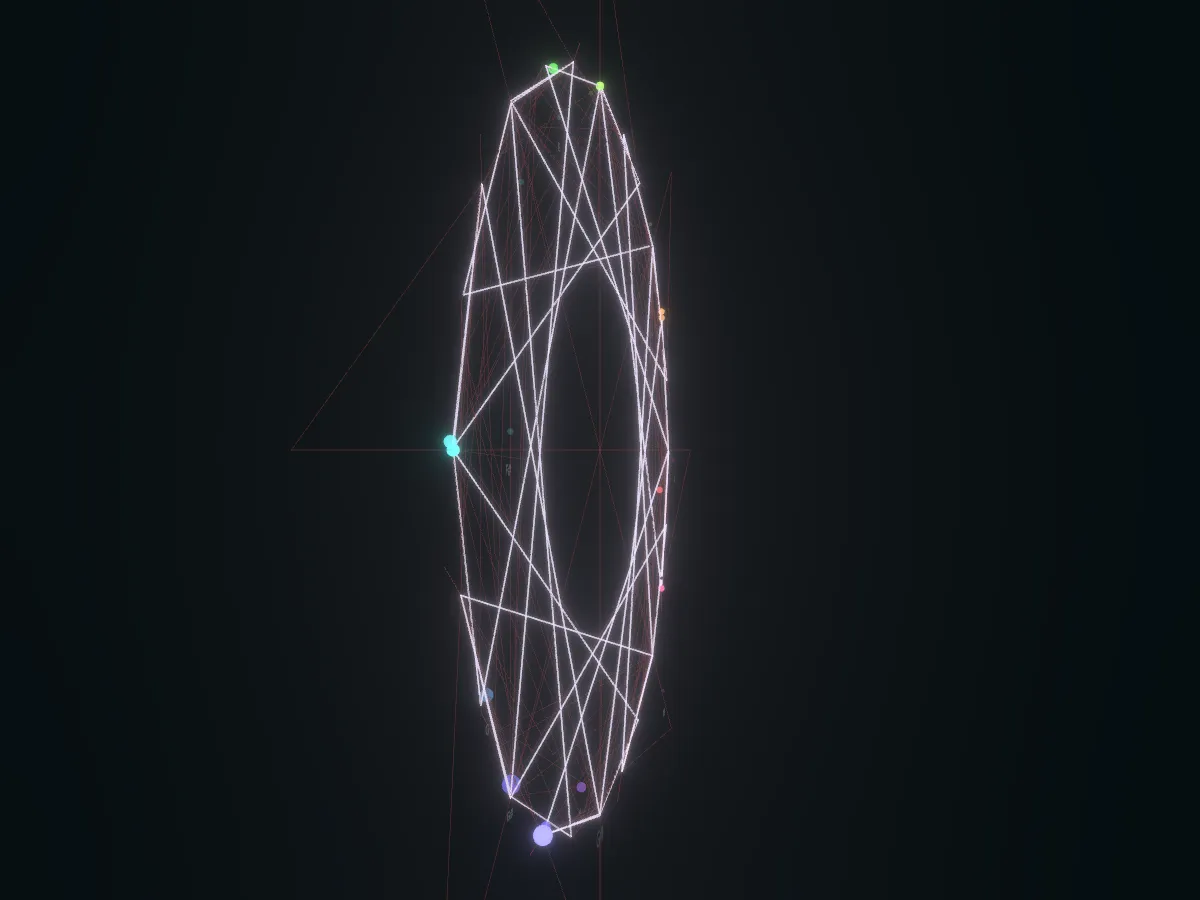
In December 2025 we built Song Bird, a small web app that turns sound into a 3D structure made of light. The work took place from 18 to 22 December 2025, and we recorded a demo on 21 December.
Open Song Bird in your browser. It works best on a laptop with sound.
How a sound becomes a line
Could music be shown as a shape that grows over time, instead of a bar graph that jumps up and down? The app runs in the browser and works in these steps:
- It listens to a sound from your microphone or from a file you upload.
- It splits the sound into 1,024 frequency bands to see how strong each pitch is.
- The loudest pitch is matched to one of 12 musical-note points in 3D space.
- A small tracer, which we call a firefly, flies between these points and leaves a line behind it.
- The lines stay. Over time they build a map of the music.
Brightness sets how thick each line is. There are four formations: Orbit, Natural, Fractal and Mandala. We built it with Vite, TypeScript, Three.js, React Three Fiber, the Web Audio API and Meyda, a library for audio analysis.
Four formations, one melody
On 31 October 2026 we opened the live app in a browser and fed it two test sounds: one steady tone and a 21-second melody of synthetic notes.
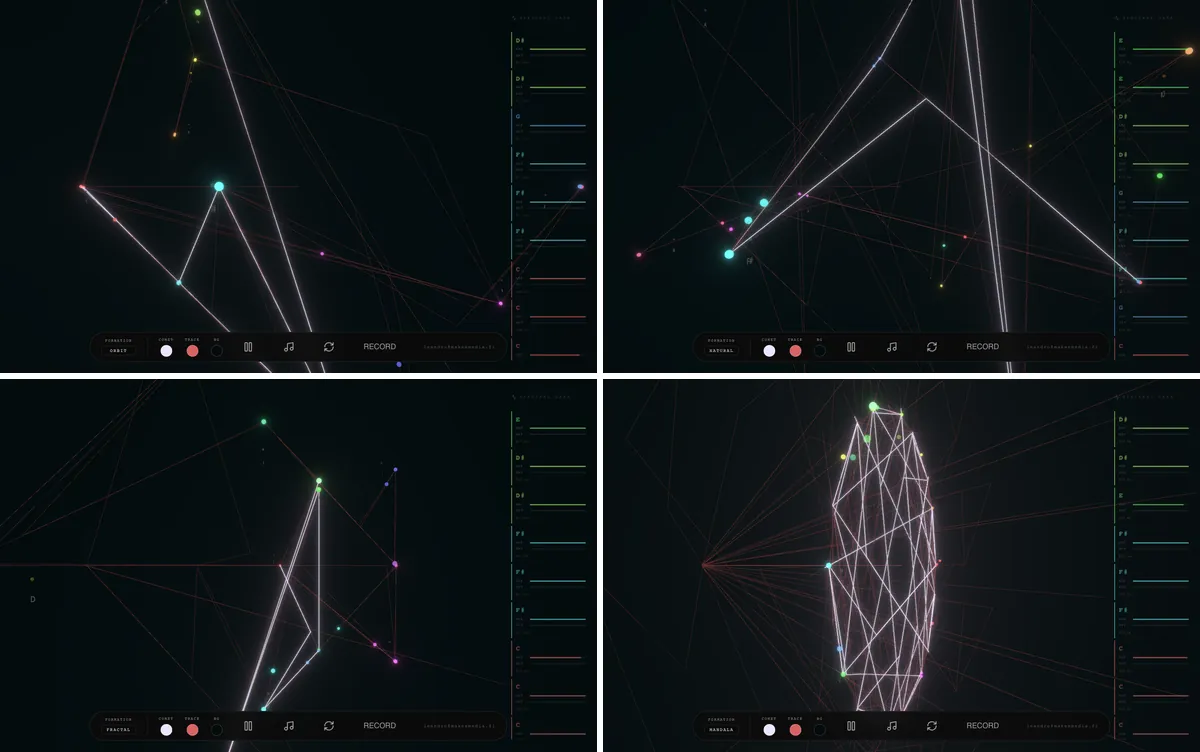
The start screen is dark, with the title, the label "V.7 Spectral Architecture" and two buttons, LIVE and UPLOAD. After you choose a file, the picture starts at once. A bright white line zips between coloured points, and thin red lines stay behind it. On the right, a list called Spectral Data shows each note the app hears, newest first. At the bottom, a bar holds the formation menu, three colour buttons, pause and record.
With the steady tone, the list showed one note, A, again and again. With the melody, it also showed notes that were not in the melody, such as C#, D# and F#. We did not look into why.
We ran the same melody in all four formations and looked after 15 seconds.
What we learned
- A clear sound gives a clear picture. One steady tone gave one steady note. A melody gave a busier list, with notes that were not in it. Choose simple tracks or one voice.
- The formation decides the result. In 15 seconds only Mandala made a closed shape that fits the screen. The other three gave a few long lines that run off it.
- The picture needs time. The red map is thin at 8 seconds and much denser at 16 seconds. Plan for a full song.
- Plan the room. The background is near black and the lines are thin. The note list is small. Use a dark room and a large screen.
Where it fits
- A web link is easy to share. Viewers open a page. They do not install anything.
- Sound can be a visual brand asset. A track, a jingle or a speaker's voice could drive visuals on an event screen. We have worked with generative music before, in our generative music work for Vaisala.
- Keep the rules simple. A clear rule is easy to explain to a client.
Open Song Bird on a laptop, choose Mandala, and play one voice or one instrument for a full minute.